Cloud environment changes with every single modification. Various new services are added; changes in configurations occur; infrastructure changes to accommodate various load capacities. Such modifications are necessary, but they involve opportunities for the inconsistency within the environment.
The configuration that was performed during the staging phase will never appear in the production phase, while the fix to the issue in the production phase will never appear in the infrastructure configuration.
This process is referred to as the configuration drift and the understanding of its reasons and prevention is needed to provide consistency of the cloud environment.
Key Takeaways
- Configuration drift is described as a state where the implemented infrastructure does not conform to the configuration required anymore, especially after making manual changes, temporary fixes, and inconsistent deployments.
- The staging and production environments should have consistent configurations and operations despite having different resource capacities and size requirements.
- With infrastructure as code, automation testing, and deployment processes, teams can avoid recurring drift.
- Detecting drift involves detecting inconsistencies, and teams have to understand their effects before solving them.
- InfrOS is an application that enables teams to assess architecture decisions before implementing them and consistently check for infrastructural consistency.
What Is Configuration Drift, and Why Does It Happen?
Configuration Drift is a term for the gap between the expected and actual configurations of the infrastructure. Consider, for example, an engineering team deploying an application through Terraform. The configuration specifies all the resources required by the application: servers, network, storage, database, and security settings.
Everything corresponds to the expected configuration at first. However, after a couple of weeks, an engineer adjusts one of the network rules to fix a problem. Another engineer scales up a database in order to improve its performance. Both adjustments might be necessary, yet none of them are captured in the initial infrastructure configuration. The resulting environment deviates from the expectations of the engineering team.
It raises uncertainty: the next deployment can undo the changes made, and engineers looking through the configuration files can rely on the outdated settings. The term configuration drift is widely used in the cloud environment due to the frequent changing of infrastructure. Resources are being added, resized, replaced, and reconfigured according to the evolving application. Moreover, one should differentiate configuration drift from the architectural drift.
The former relates to the settings of individual resources while the latter implies deviation of the whole infrastructure structure, dependencies, and behavior. Both make cloud environments harder to manage, but architectural drift often requires broader changes than simply restoring individual settings.
Why Does Infrastructure Drift After Every Release?
Releases cause modifications in both applications and the underlying infrastructure. Ideally, this should be the case regardless of whether development, staging, or production environments are being referred to. In reality, this does not always apply.
Sometimes, a developer makes a change in the staging environment to get the release working properly. The application gets through its tests but the modification in the infrastructure is never added to the deployment package. By the time the application is deployed to production, it acts differently due to the lack of the required setting. It may also occur the other way around, where a manual change was made in the production environment and nothing gets changed in staging.
There are several reasons for that.
- Manual changes: Engineers modify resources directly through cloud consoles instead of updating the infrastructure definition.
- Environment-specific settings: Different variables, permissions, or networking configurations create differences that are difficult to track.
- Emergency fixes: Temporary changes made during incidents remain active without being documented.
- Inconsistent deployment processes: Different teams use different scripts, tools, or procedures to update infrastructure.
These issues become more common as environments grow and release frequency increases. However, drift is not an unavoidable consequence of frequent deployment. It becomes a recurring problem when teams lack a consistent way to define, validate, and promote infrastructure changes. The goal is to make every release predictable, regardless of how often changes occur.
How Do I Keep My Cloud Environments in Sync?
Keeping cloud environments aligned does not mean making development, staging, and production identical. Production may need more compute capacity, stricter security controls, or higher availability than staging. These differences are expected. What matters is that differences are intentional, documented, and managed through the same process.
There are several principles that make this possible.
Use one consistent infrastructure definition
The practice of infrastructure as code enables teams to define resources via version-controlled configurations instead of creating resources manually. A common template and/or module will ensure that each environment is following the same architecture design, while specific environmental variables will control any difference between the environments, such as resource size. This will make comparison easier and minimize any risk of undocumented modifications.
Deploy through consistent processes
Changes to infrastructure should occur via a reusable deployment pipeline. Teams should not deploy changes directly to production; rather, they should promote changes after review via testing and staging. Whenever possible, the same version of the application artifact and infrastructure configuration should be used. This allows you to guarantee that what has been tested is what will be deployed.
Treat staging as a meaningful production test
The process of staging must reflect those dependencies, assumptions, and infrastructure behaviors that are present in production. It is not always required to have the same capacity, but the major differences must be known. In case the staging environment has different network policies or lacks vital services, tests in this environment mean little for production.
Continuously check for differences
Even with consistent deployment processes, unexpected changes can occur. Regular drift detection helps teams compare actual infrastructure against approved definitions and investigate differences before they affect future releases. Together, these practices create an environment where changes remain controlled without slowing down development. For more on creating consistent infrastructure through better architecture practices, see our guide to Shift-Left Cloud Infrastructure Design.
What Guardrails Prevent Configuration Drift?
Guardrails are rules and processes that help teams make safe infrastructure changes without requiring manual oversight of every decision. They should prevent common mistakes while allowing engineers to respond when something genuinely needs to change.
Several guardrails are particularly useful.
Version control and code reviews
Infrastructure definitions should be stored in version control, with changes reviewed before deployment. This creates a record of what changed, why it changed, and who approved it.
Access controls
Restricting direct production modifications reduces the risk of undocumented changes. Emergency access can remain available, provided changes are reviewed afterward.
Policy checks
Automated policies can identify configurations that violate security or operational requirements, such as missing encryption, excessive permissions, or unapproved resource locations.
Automated drift detection
Regular comparisons between deployed infrastructure and approved definitions help identify unexpected changes early.
Deployment approvals
Important infrastructure changes should pass defined checks before reaching production. Higher-risk changes may require additional review.
Guardrails should also account for legitimate exceptions. A temporary production fix may be necessary, but it should be documented and either incorporated into the approved configuration or reversed when no longer needed. The objective is not to block change. It is to make infrastructure changes visible, consistent, and easier to manage. For a broader perspective, see our article on Cloud Governance Tools for Engineering Teams.
How Do I Validate Changes Before Promoting Them to Production?
Environmental consistency is but one piece of the puzzle. It’s equally important that teams feel confident in the behavior of new changes. An effective staging release does not necessarily imply a successful production deployment. The process of validation must start prior to any infrastructure modifications.
1. Review the proposed change
Start by identifying which resources, configurations, and dependencies will change.
Infrastructure as code tools can show proposed modifications, helping engineers identify unexpected replacements or configuration differences.
2. Check policies and requirements
Validate the change against security policies, capacity requirements, and operational constraints. This helps prevent configurations that may work technically but violate important requirements.
3. Test in staging
Deploy the proposed change to a representative staging environment. Check application functionality, connectivity, dependencies, and relevant performance requirements.
4. Evaluate the broader impact
A change can work in isolation while creating problems elsewhere. For example, moving a service to another region may affect network latency, data transfer costs, or recovery behavior. These effects should be considered before production deployment.
5. Promote the approved change
After successful validation, push the approved configuration and application artifacts according to the deployment process defined previously. Watch for any issues with the release and have fallback or recovery options in place. The main idea behind this is straightforward: infrastructure changes must be validated prior to being introduced into production, not only after an issue occurred.
What Should I Use If My Architecture Drifts Every Release?
If there are unexpected differences because of changes in infrastructure with every release, then the first thing to do would be finding out where these differences have originated from. Resource level configuration drift, Infrastructure as Code, automated deployment pipelines, and drift detection form a robust base for this process. Using tools like Terraform will enable you to manage approved configurations and find differences in the managed infrastructure.
But recurring drift can also mean that there is a more serious problem at hand. If engineers are continually increasing capacity, changing service connections, and network configurations, then the architecture itself might not meet the demands of the application anymore. In such cases, reverting to previous settings might be a short-term solution but the same problem will keep recurring every time there is a new release.
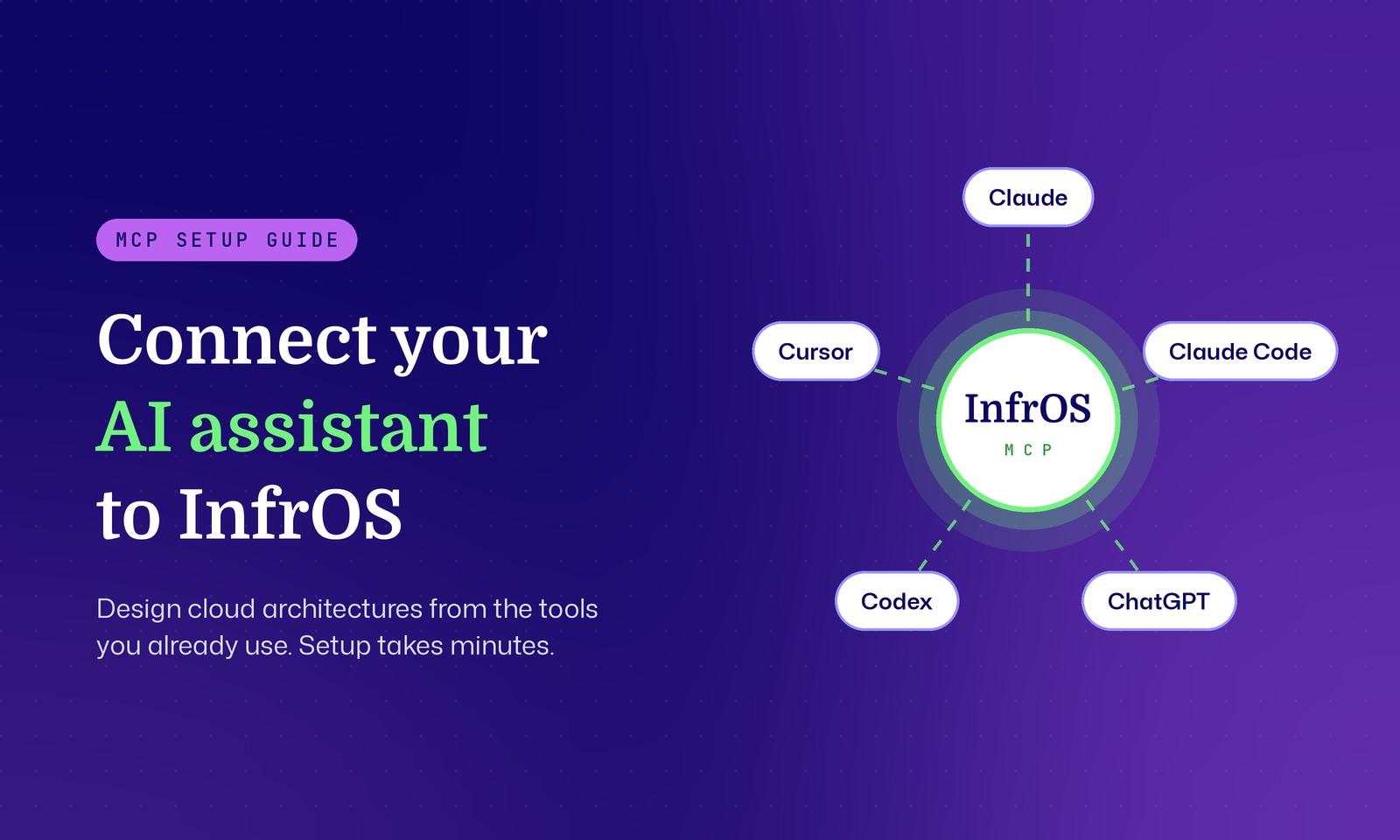
With the help of InfrOS, engineering teams can develop, evaluate, and validate infrastructure architectures before putting them into practice. This is done by assessing architectural alternatives in terms of cost, performance, reliability, security, and complexity. Using Evolving Architecture™, InfrOS facilitates continuous architectural assessment in case of changes in workload, requirements, and cloud capabilities. This is in addition to the configuration management approach that assesses only the consistency of the resource with its initial configuration. With InfrOS, engineering teams can also assess the compliance of the architecture with its requirements. This is useful for companies facing architectural challenges on an ongoing basis. You can read more about developing these capabilities in our guide to the Enterprise Architecture Maturity Model.
FAQ
What causes configuration drift in cloud environments?
Configuration drift is typically caused by manual changes, patching, inconsistent deployment practices, and environment-specific configuration management that is not being consistently maintained. Configuration drift can occur as well because various teams implement varying approaches for managing the same infrastructure environment. As environments evolve, inconsistencies arise which create uncertainty during deployments.
How do you detect infrastructure drift?
Infrastructure drift is recognized through a comparison of the actual state of the resources and the approved infrastructure definition. Tools like Terraform and cloud native configuration drift detection solutions help recognize any deviation. Routine automated monitoring assists organizations in recognizing drift before it impacts production operations, while further validation aids in determining if the modification poses a security or performance threat.
Is all configuration drift bad?
It is not always bad. There could be valid business reasons for changing certain configuration parameters, such as scaling a database or adjusting networking in order to solve a particular issue. However, what makes infrastructure drift risky is the fact that the modification has no documentation or is not validated against the approved requirements.
How often should you run drift detection?
It is recommended to carry out drift detection often and ideally within the context of automated deployment workflows. Important infrastructures would do well checking for drift after updates to their infrastructure, releases, and at periodic intervals. It really depends on how frequently their infrastructure changes and how tolerant of risks they are willing to accept.
Can configuration drift be prevented entirely?
The level of configuration drift can be minimized to a large extent, but avoiding it completely may not be possible when you are working with dynamic cloud infrastructures. You can avoid drift through IaC practices, pipelines, automated validation, and security restrictions. Nevertheless, there will always be exceptions. Configuration drift does not merely consist of changes in configuration. This is a production risk only if an organization cannot see where things got changed, how they were changed, and if everything in its environment is operating according to expectations.
By ensuring consistency in infrastructure definitions, validating changes prior to promoting them, and monitoring environments through their evolution process, engineering teams would be able to release with confidence without having to fix the same issues repeatedly. The idea is not to prevent infrastructure changes but to make sure that all changes made are intentional, validated, and consistent with the organization’s architectural requirements.